The CartWhizz commerce platform

Your brand.
Your business.
All connected.

Build your online store. Reach customers on their phones and in your shop. Bring products, orders, teams and delivery into one connected business.

A SaaS commerce platform · Your storefront, hosted by CartWhizz
Illustrative branded ecommerce website on a laptop with its customer app on a phone
Your website. Your customer app.One brand, across screens.
More than a website

The right experience.
For everyone in your business.

Your customers shop. Your team sells, manages stock and delivers. Give each person a focused way to work.

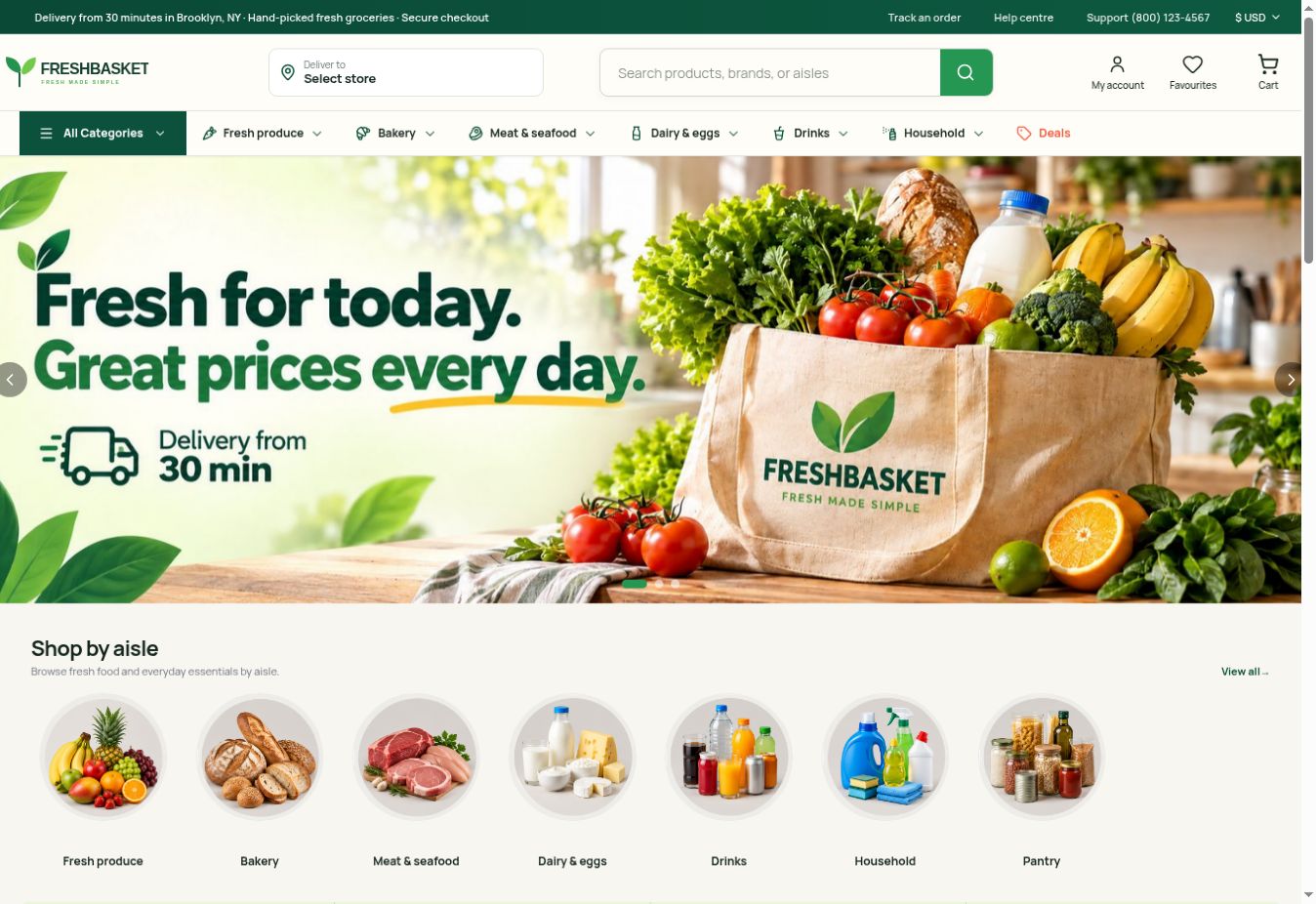
Basket desktop storefront preview
For your customers

Website

A storefront that feels like your brand. Help shoppers discover your products, explore the details and check out with confidence.

What you can do
  • Themes, collections and product pages
  • Search, filters and product options
  • Cart, checkout and customer accounts
YOUR BRAND

Everyday Carryall

Add to bag
A familiar store.
A mobile home.
Browse · Save · Buy · Track
For repeat shoppers

Customer app

Your store, one tap away. Give customers a dedicated mobile experience for browsing, buying and following their orders.

What you can do
  • Product discovery and wishlists
  • A mobile cart and checkout
  • Order updates and purchase history
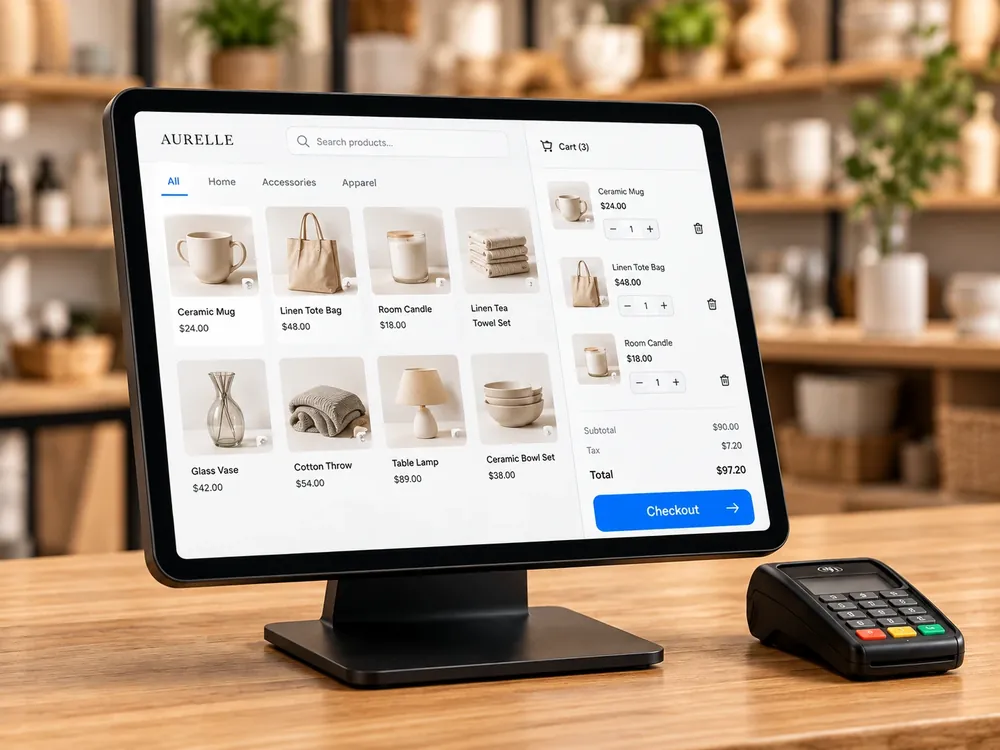
Illustrative point-of-sale touchscreen in a retail store
For your store team

Retail & POS

Keep the counter connected. Support in-person selling with products, customers and order information in the same business context.

What you can do
  • Counter sales and customer lookup
  • Discounts, receipts and returns
  • Stock visibility across selling channels
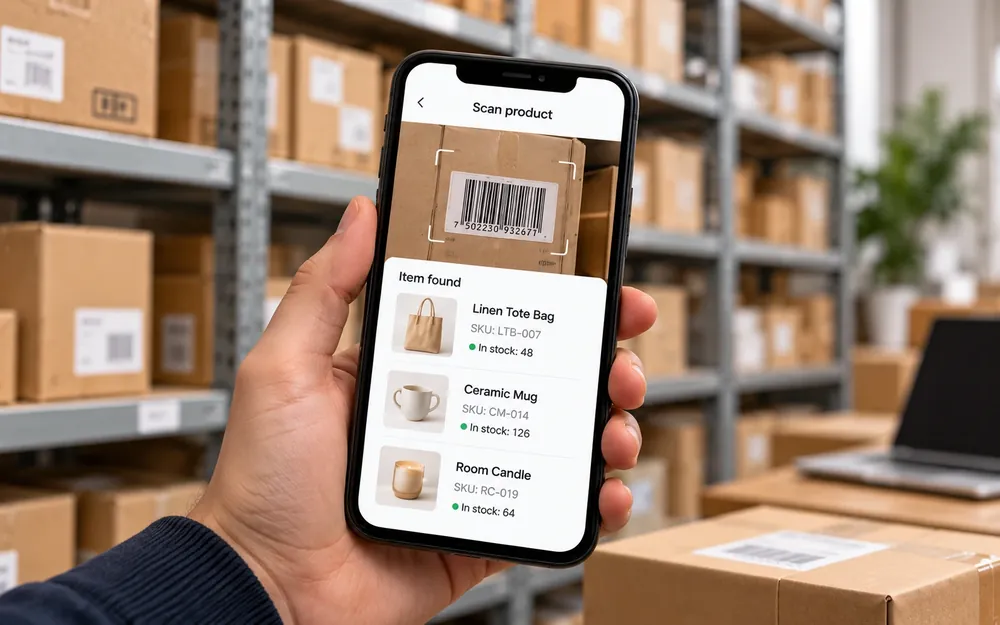
Illustrative inventory app used to scan warehouse products
For your stock team

Inventory app

Know what is ready to sell. Give your team a focused way to find products, check quantities and prepare orders.

What you can do
  • Product and barcode lookup
  • Receiving, stock counts and adjustments
  • Picking and availability checks
Illustrative vendor app beside a seller preparing products
For your sellers

Vendor app

Give every seller a place to work. Let marketplace vendors manage their part of the business while you oversee the wider operation.

What you can do
  • Seller products and availability
  • Vendor orders and fulfillment
  • Earnings and settlement visibility
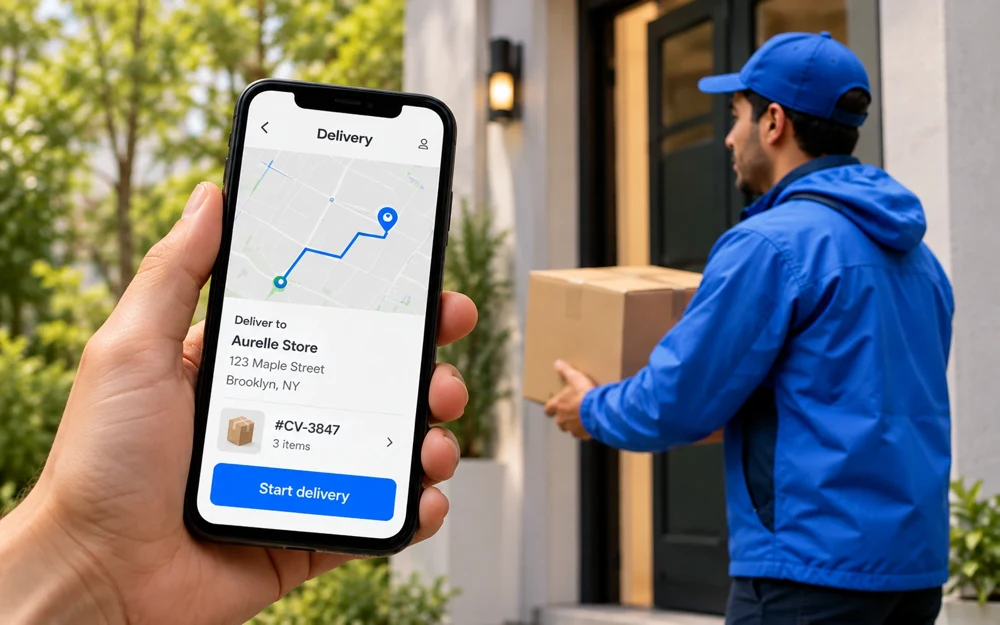
Illustrative delivery app and delivery person carrying a parcel
For your delivery team

Delivery app

Keep the last mile in view. Help delivery staff understand their assignments and keep order progress visible to the team.

What you can do
  • Delivery assignments and order details
  • Delivery progress and status updates
  • Completion records and customer handoff

Build your own setup. Start with the website and add the apps your operation needs. App availability, configuration and costs are confirmed with your selected plan.

Explore the apps
A store that looks like you

Start with a theme.
Make every detail yours.

Choose a visual starting point, bring your products and shape the experience around your brand.

Design without starting from a blank page.

Use storefront themes and arrange sections around what matters to your customers.

Tell your story in your own style.

Customize your colors, typography, photography, pages and product content.

Give your brand its own address.

Connect your domain and preview the experience across desktop, tablet and mobile.

Actual editor capture · Click to enlarge
Your brand: design, content, products and domain.Your platform: hosted storefront and commerce tools.
Behind the storefront

The everyday work.
In one place.

From the first product upload to the next customer order, make the important information easier to find.

Your product catalogue
Studio Cup

Sand · Sage · Chalk

Product detailsImages + options

Products, with all the details.

Give every product a clear home, from a simple item to a catalogue with many variations.

  • Categories, collections and variants
  • Images, descriptions and search content
  • Prices, SKUs and inventory information
Order summary · Example
Studio Cup × 2₹1,200
Delivery₹80
Total₹1,280
Continue to payment

A clear path to checkout.

Help customers understand what they are buying, what it costs and how they can receive it.

  • Payment and delivery options
  • Discounts, taxes and order totals
  • Clear order confirmation
Order #1048 · Example
Order confirmedItems and customer details received
Preparing for dispatchAssigned to the fulfillment team
Delivery updateProgress shared with the customer

Orders your team can follow.

Keep the order, customer, payment and fulfillment context together as work moves forward.

  • Payment and fulfillment status
  • Picking, packing and delivery updates
  • Cancellations, returns and refunds
AK
Alex K.Fictional customer profile
Completed orders8
Last purchaseStudio Cup
Customer groupReturning

Customers with context.

See the relationship behind the latest order and help your team provide more relevant service.

  • Profiles and purchase history
  • Customer groups and preferences
  • Service and follow-up context
ILLUSTRATIVE CAMPAIGNWelcome back.A new collection, curated for your everyday.

More reasons to come back.

Turn launches, collections and special occasions into relevant offers and storefront content.

  • Discounts and promotional campaigns
  • Collection and landing-page content
  • SEO and customer communication
Sales trend · Illustrative
AprMayJunJulAugSep

A clearer view of performance.

Understand how products, orders and customers contribute to your business.

  • Sales and product performance
  • Customer and regional trends
  • Stock and operational reporting
How it works together

One order.
A connected experience.

See how a sale moves from the customer to the people who make it happen.

Illustrative workflow · No live order data

A customer buys.

The customer chooses products and places an order on your website.

Website → Order received

Your team prepares.

The order gives the team the product, stock and customer details they need.

Inventory → Pick and pack

Delivery moves forward.

The delivery team follows its assignment and updates the order progress.

Delivery → Status updates

The relationship continues.

The customer sees the order history, and your team has context for the next visit.

Customer profile → Next purchase

The shared context: products, availability, order details and customer history. Exact workflows depend on your business configuration.

Different businesses. A shared foundation.

Choose how you sell.

YOUR OWN CATALOGUE

Build a brand store.

Sell your products through a branded website and customer experience. Keep the catalogue, orders and customer relationship together.

Find your storefront
ONLINE + IN PERSON

Connect your retail business.

Bring your shop counter and online channel into the same operating picture, with POS and inventory tools for the team.

Explore retail tools
MULTIPLE SELLERS

Run a marketplace.

Give vendors their own working experience while managing the customer-facing marketplace and wider business rules.

Explore marketplaces
A little assistance goes a long way

Create faster.
Understand more.

Explore AI for product descriptions, SEO, imagery and storefront sections. Ask business questions about products, customers and demand.

See what CartWhizz AI can do
YOU ASK

“Which products sold the most this month?”

AI ANSWERS · SAMPLE DATA

The Everyday Bottle leads by units sold.

Bottle420
Carryall310
Studio Cup245

Example completed units in one month. Review stock and margin before deciding your next move.

Make the setup work for you

Connect the services
your business relies on.

Bring your payment, delivery, marketing and business requirements into the conversation. Plan the connections that matter before you launch.

Discuss your integrations

Payments

Payment methods, transaction status and reconciliation needs.

Shipping & delivery

Carrier services, delivery operations and tracking workflows.

Marketing

Customer communication, campaigns and measurement.

Business systems

Accounting, existing tools and API-based connections.

Confirm supported providers, APIs, setup requirements and any third-party costs for your chosen configuration.

Illustrative homeware merchant preparing an order in her studio
From your idea to open for business

Bring your business.
Build your next chapter.

Choose your starting point.

Decide how you sell, find your theme and choose the plan and apps that fit your operation.

Make it your own.

Add your products, brand, pages and domain. Configure payments, delivery and your team’s working setup.

Review, test and launch.

Check the customer journey and order workflow before opening your store. Keep improving as you learn.

Before you get started

Good questions.
Clear answers.

Need a setup for your specific business?

Talk to our team
What is CartWhizz?

CartWhizz is a SaaS ecommerce platform: a hosted foundation for building your online store and connecting the customer and team experiences around it. Your configuration can bring together a website, customer app, POS, inventory, vendor and delivery tools.

Do I need a developer to create my storefront?

Start with a theme and use the visual editor to shape your content, colors and layout. Advanced design work, integrations or custom workflows may need additional setup or development.

Can I use my own brand and domain?

Yes. The storefront is designed around your identity, content and products. Connect your own domain as part of setup, and confirm branding requirements for any connected apps.

Are all the apps included in every plan?

Apps and services are configurable. Check the selected plan, app availability and any additional costs instead of assuming everything shown is included. Explore plans and pricing.

Can I run a marketplace with multiple vendors?

The platform experience includes marketplace workflows and vendor tools. Discuss seller onboarding, commissions, catalogue controls, fulfillment and settlement requirements when choosing your setup.

Can I move an existing store?

Start by reviewing your existing products, customers, orders, domain and integrations with the team. Agree on what can be transferred, the migration process and any work required before committing to a launch date.

What should I confirm before choosing a plan?

Review product limits, billing, setup fees, app costs, payment and delivery providers, access permissions, backups, data export and support arrangements. Your final proposal or selected plan should make those details clear.


A platform for your plans.
Room for what comes next.

Start with the business you have. Shape the experience you want to build.

CartWhizz visual editor · Desktop screenshot

Expanded CartWhizz editor screenshot with layout tools and storefront preview