
Your whole store.
In your pocket.
Orders, shipping, products, customers, discounts and reports, on your phone. Same login and permissions as your web admin, so your team picks it up in minutes.


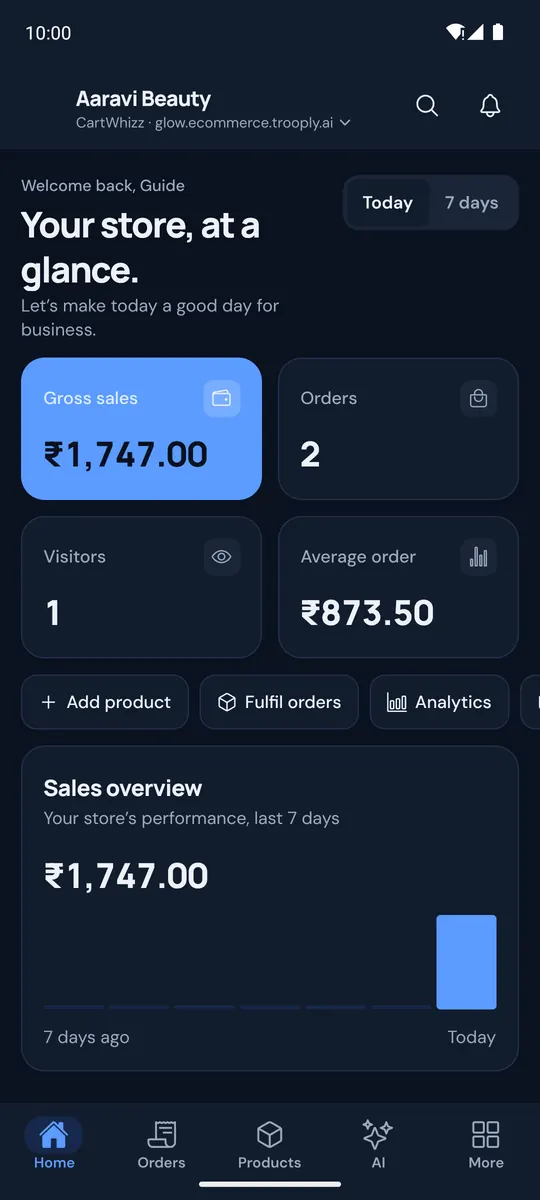
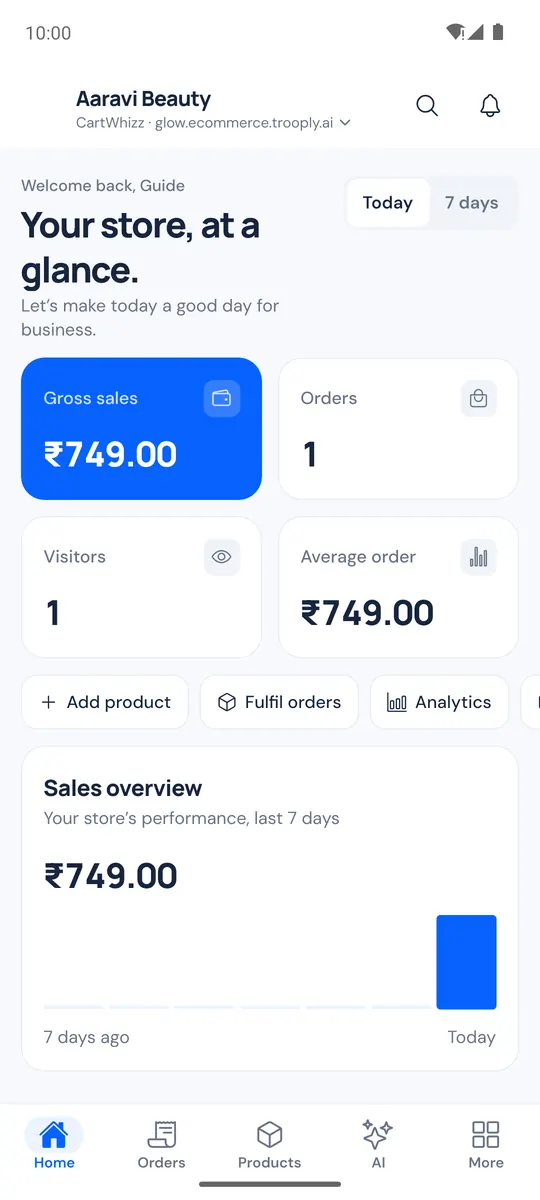
Example store. Screens from the CartWhizz Admin app.
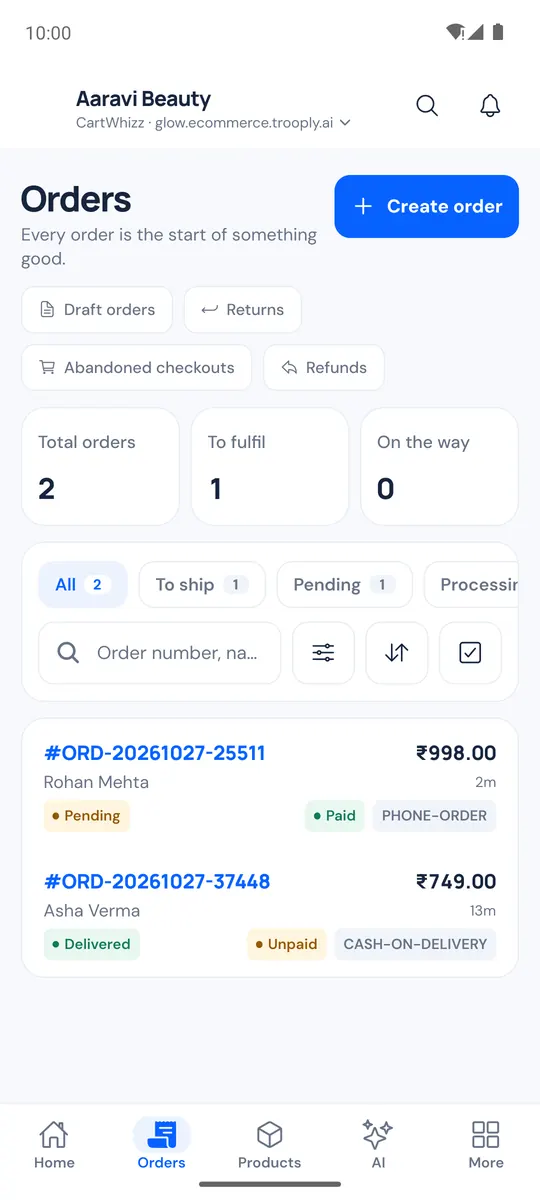
Every order,
handled on the go.
See what came in, what's waiting to ship and what's on the way. Act on it right there.
- Filter by status, search by order number or customer, and open any order in a tap.
- Create orders and drafts, accept returns and issue refunds from your phone.
- Pack with the barcode scanner, then mark orders shipped or book them with your courier.
- Ship many orders at once from the shipping queue, and see each result. New
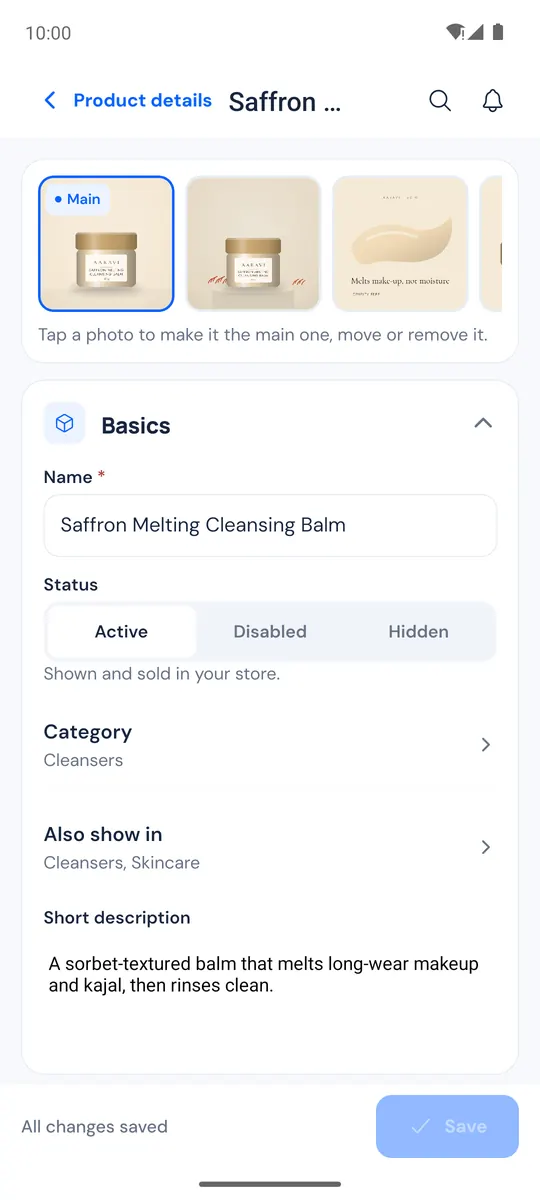
Change a price
before the customer asks.
Your catalogue, with everything you'd edit on the web: prices, stock, photos, videos and options.
- Edit price, stock, description and status, and save in seconds.
- Add photos and videos straight from your camera or gallery.
- Scan a barcode to find a product, and see low-stock and out-of-stock at a glance.
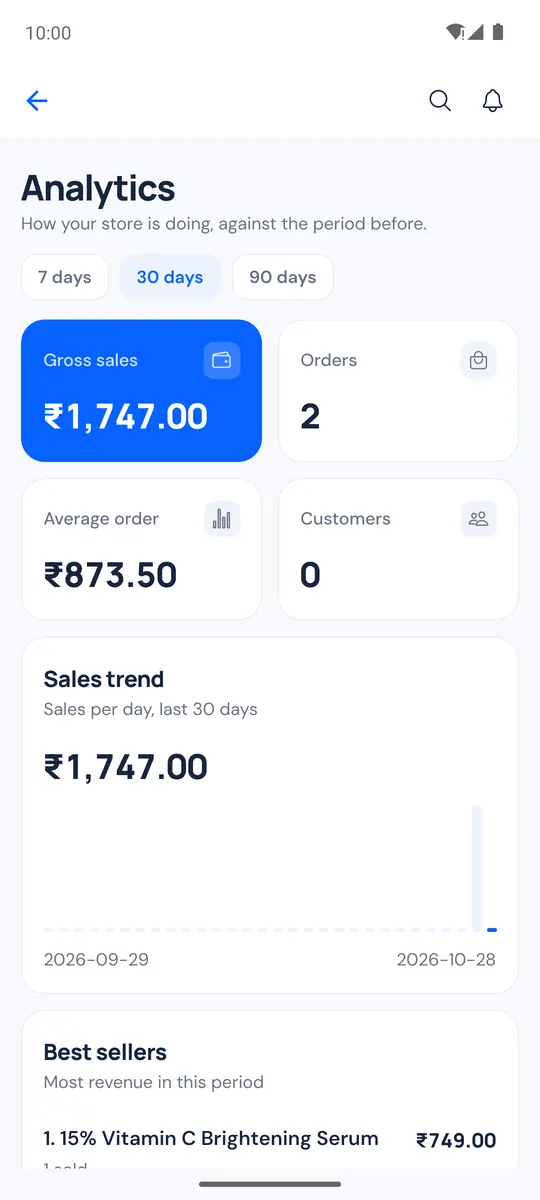
Know how today
is going.
Gross sales, orders, visitors and average order value on Home, with trends and best sellers a tap away.
- Today, 7, 30 or 90 days, compared with the period before.
- Reports for sales, customers, inventory, categories and payments. New
- A home-screen widget shows today's numbers without opening the app.
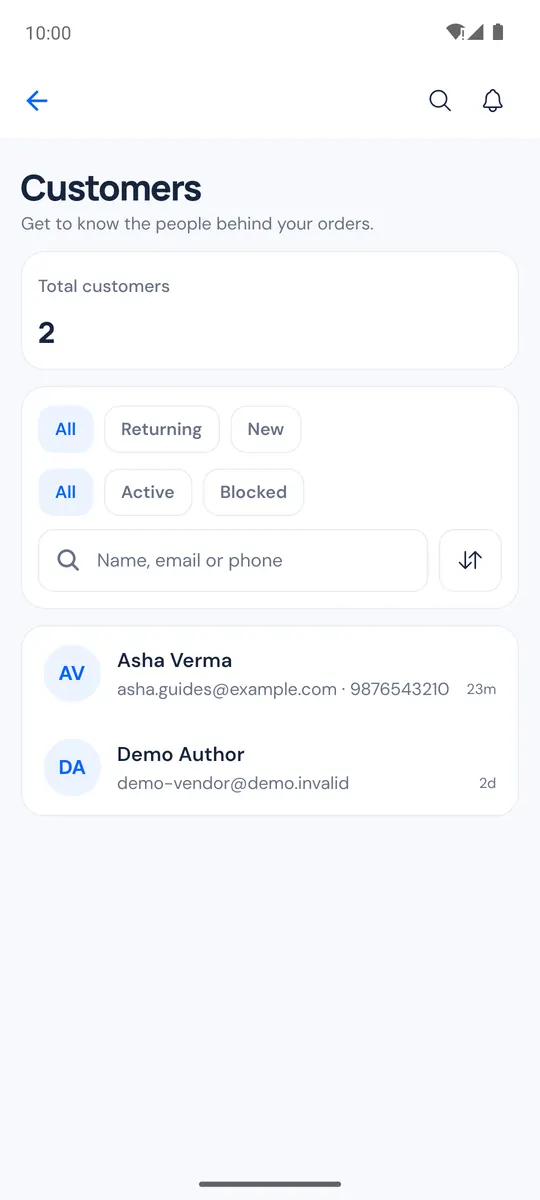
Look after customers
wherever you are.
Customer history, messages, reviews and discounts, all in one place.
- Open a customer to see their orders, contact details and notes.
- Create and edit discount codes, and switch them on or off.
- See audiences and campaigns, and follow up on abandoned checkouts. New
Is the rose-gold bracelet available in medium?
Yes! Medium is in stock. Shall I send the link?
Please do, thanks!
Reply while
they're still interested.
Shopper messages and WhatsApp chats come to your phone, with a notification for each new one.
- Read and answer customer messages and order chats.
- WhatsApp Shop inbox: take over from the bot, reply, then hand it back. New
- See what shoppers asked your AI shopping assistant. New
Report it.
Track it to done.
Found a problem or want a feature? Report it from the app with a photo or video, then follow it on a board.
- A Kanban board: from In development to Ready for testing to Released. New
- Long-press a card to move it. The app only offers moves you're allowed to make. New
- Photos, videos and links attached to every report.
Small things that
save you time.
Notifications that matter
New orders, returns, low stock, failed payments and customer messages. You choose which.
Delivery windows New
Set processing days, cut-off time, ship days and holidays.
Your brand colour
The app takes your store's colour, kept readable in light and dark.
Several stores
Switch between the stores you work on without signing out.
CartWhizz AI
Ask about your sales or get help writing, right in the app.
Signal dropped?
Screens you opened recently stay readable. Changes wait for a connection.
Run the shop
between everything else.
- 9:00
Check the numbers
Yesterday's sales and today's orders on Home, or on the widget.
- 11:30
New order
A notification arrives. Pack it and scan the items.
- 14:00
Customer question
Reply on WhatsApp before they buy elsewhere.
- 17:00
Ship the day's orders
Book every pending order from the shipping queue.
- 21:00
Plan tomorrow
Look at best sellers and switch on a discount.
An example day. Your store, your routine.
Do the daily work on your phone.
Design on the big screen.
| Task | Admin app | Web admin |
|---|---|---|
| Orders, returns and refunds | Yes | Yes |
| Shipping and packing | Yes | Yes |
| Products, stock, photos and videos | Yes | Yes |
| Customers, messages and reviews | Yes | Yes |
| Discounts | Yes | Yes |
| Sales and reports | Yes | Yes |
| Phone notifications and widget | Yes | Not in the app |
| Barcode scanning with the camera | Yes | Not in the app |
| Theme and page design | Not in the app | Yes |
| Paying your CartWhizz bill | Not in the app | Yes |
Secure by default.
Careful with your data.
Two-step sign-in
Authenticator app or a code by email or phone, when your account uses it.
Role permissions
Staff see only the tabs their role allows. No orders permission, no Orders tab.
Fingerprint or face lock
The app locks after a minute in the background.
Private notifications
A notification shows only the order number and amount.
Encrypted payment keys
Payment gateway keys are encrypted on our servers, never stored on the phone.
Readable in light and dark
Colours checked for contrast, with Light, Dark or System appearance.
About the
Admin app.
Does the app cost extra?
No. The Admin app is included with every CartWhizz store.
How do I get the app?
Use the store badges on this page, then sign in with the email and password you use for your CartWhizz web admin.
Can my staff use it?
Yes. They sign in with their own staff accounts and see only what their role allows.
I run more than one store. Do I need another app?
No. Sign in once and switch between your stores.
Do I still need the web admin?
For designing your storefront and billing, yes. Most daily work can be done in the app.
Start your store today.
Run it from anywhere.
Every CartWhizz store comes with the Admin app.