Browse, search and save
Browse
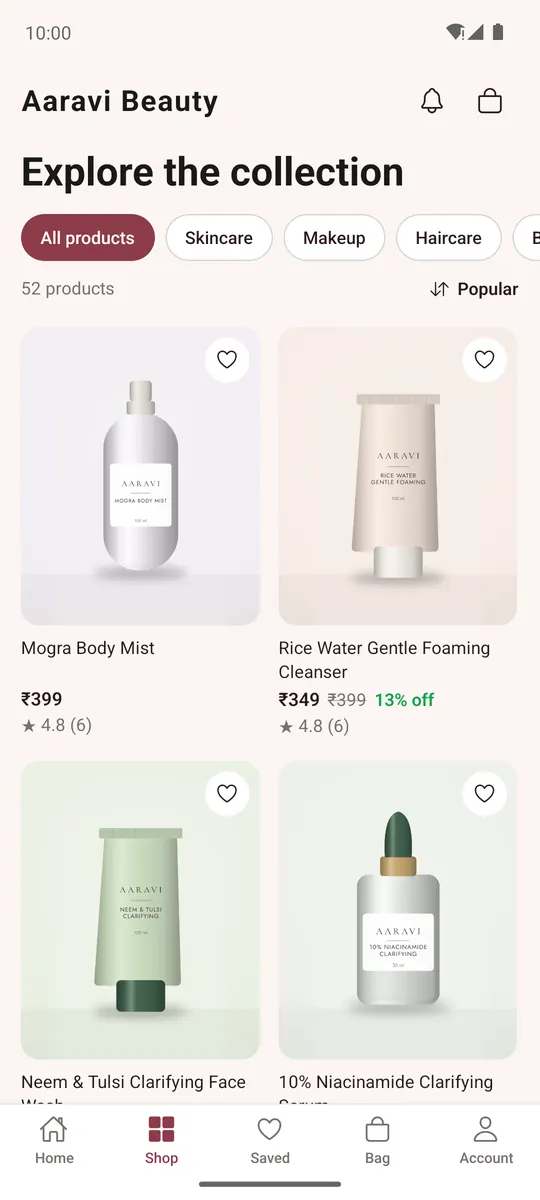
- Home shows the store's banners, categories, bestsellers, new arrivals and offers. On Home, tap Add pincode to tell the store where you are.
- Shop lists every product. Tap a category chip to narrow it, and use the sort to show Popular, Newest, Price: low to high, Price: high to low or Name.
Search
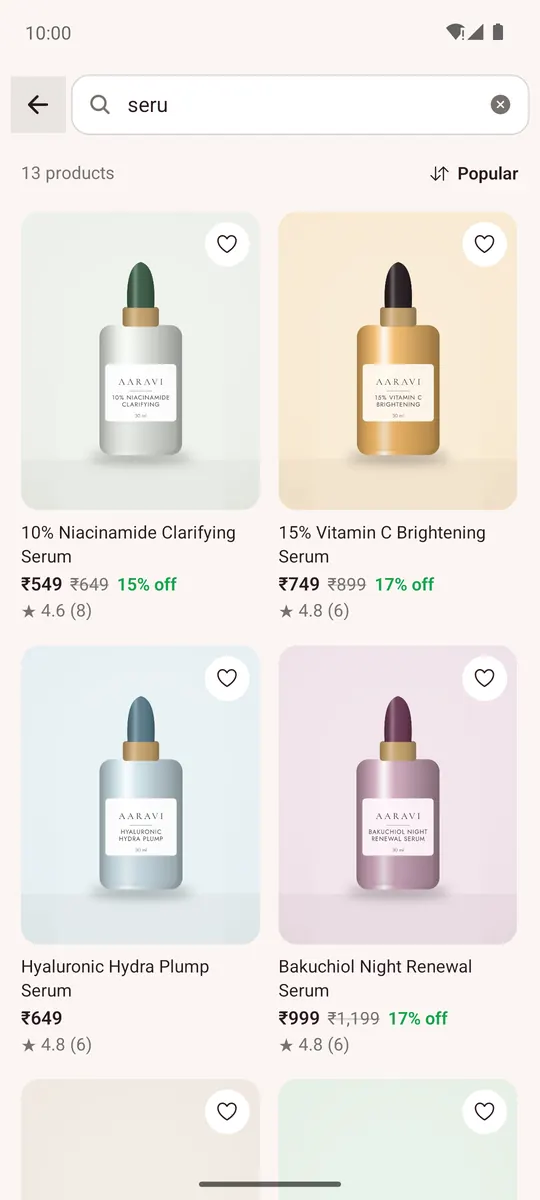
Tap the search box on Home, type what you're looking for and search. The results can be sorted like the Shop tab, and your recent searches are kept (Clear removes them).
Product page
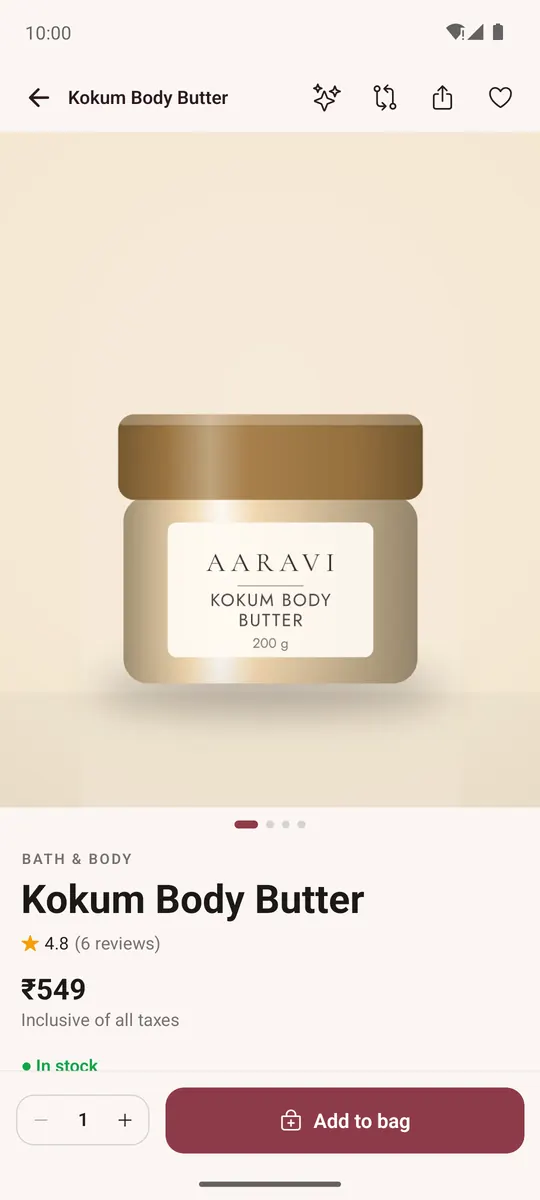
- Swipe the photos. Choose the options (for example size or colour); combinations that don't exist are greyed out.
- Pick the quantity and tap Add to bag, then Keep shopping or View bag.
- Out of stock? Enter your contact under Tell me when it's back and tap Notify me.
- Product details, Delivery & returns, Reviews (signed in, you can Write a review) and You might also like are further down.
- The icons at the top: the heart saves the product, Share sends it to a friend, and, when the store has them, compare and the shopping assistant.
Saved items and compare
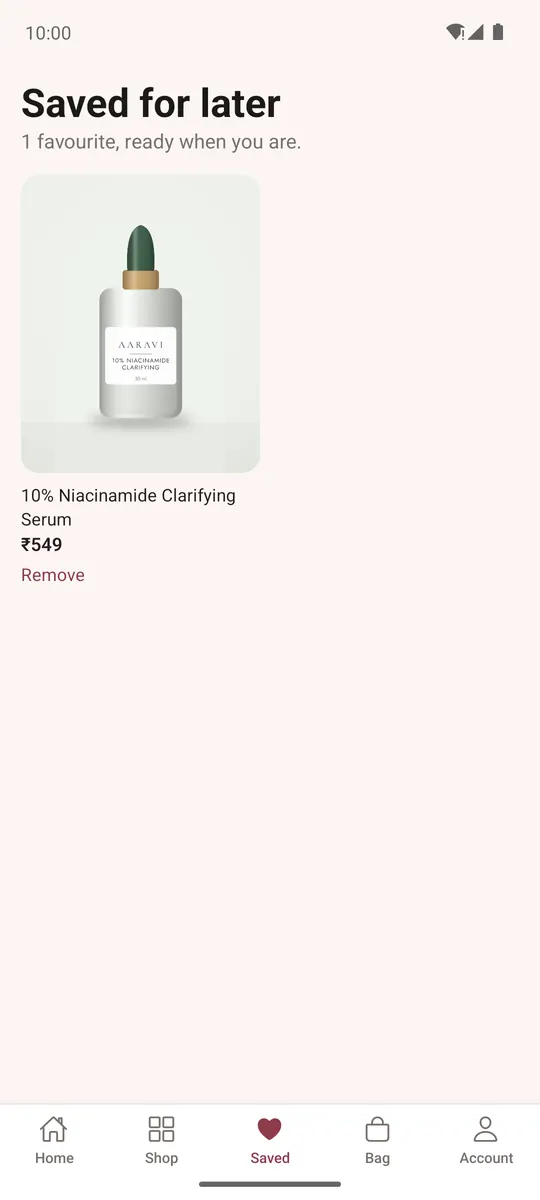
- Saved keeps the products you hearted. Without an account they stay on this phone; sign in to keep them on every device.
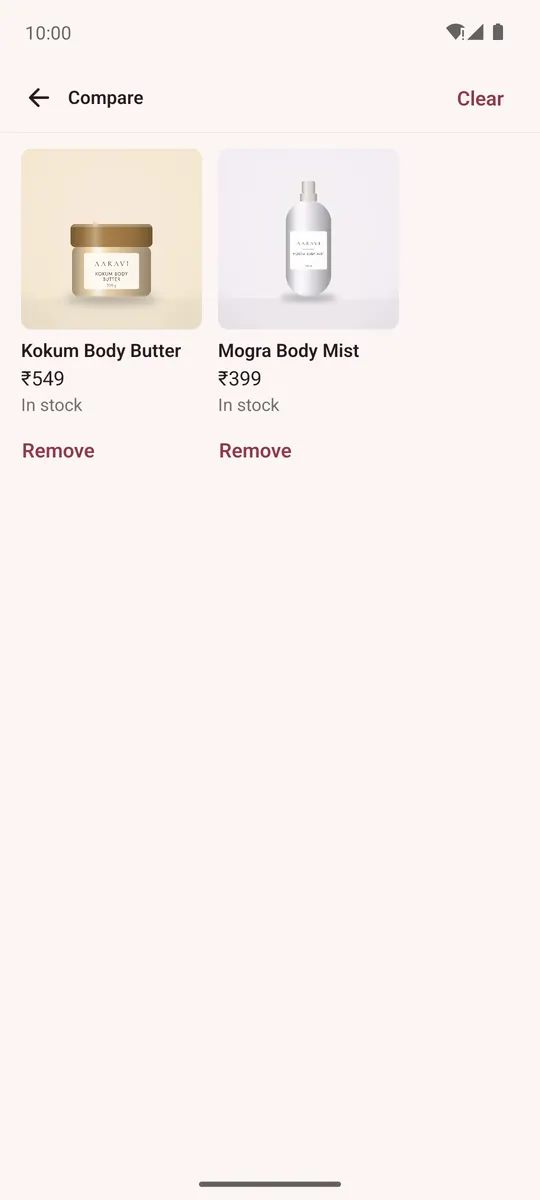
- Compare (when the store has it) shows up to four products side by side, with the differences in bold. Open it from Account → Compare.