
Orders, tracking and returns
Your orders
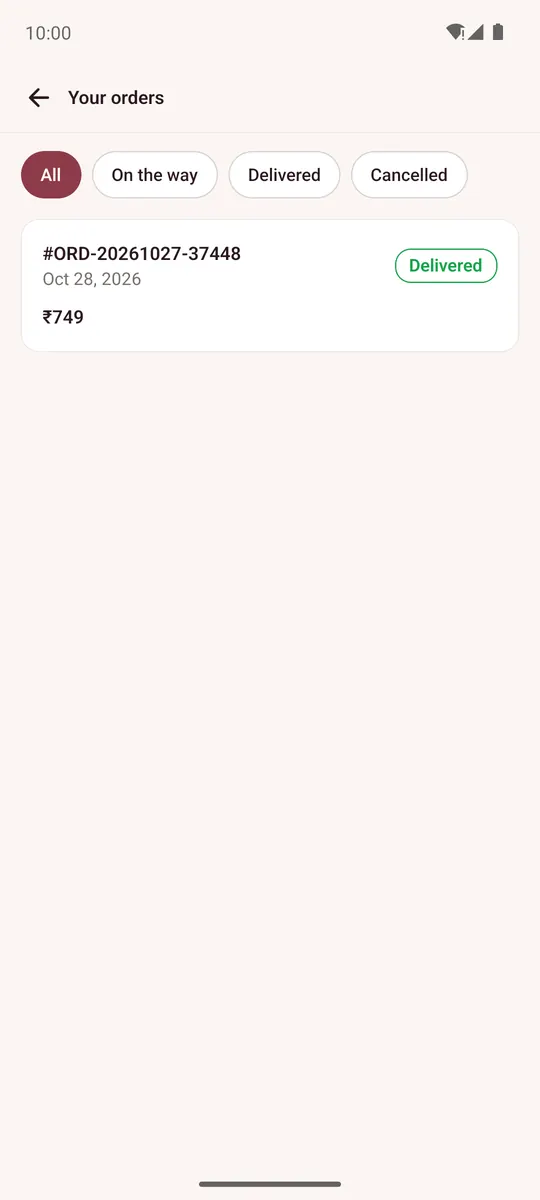
Account → My orders lists your orders. Filter All, On the way, Delivered or Cancelled, and tap an order to open it.
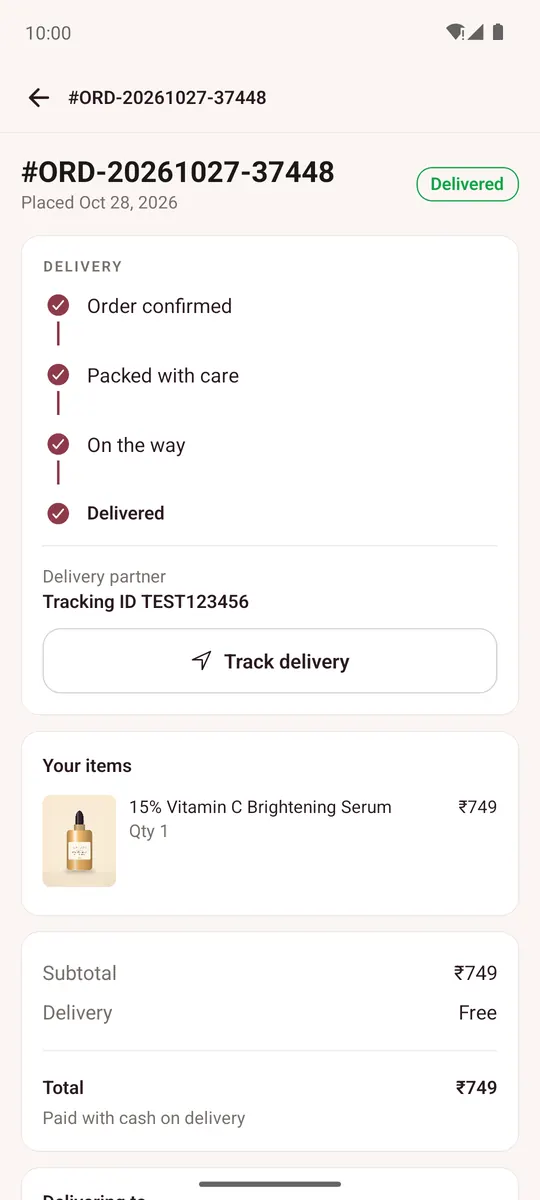
The order shows its progress (Order confirmed, Packed with care, On the way, Delivered), the items, address and payment.
- Track delivery shows the courier's tracking when the order has shipped.
- Buy again puts the same items in your bag.
- Cancel order works while the order is still being processed.
Without an account, use Account → Track an order: enter the order number and the email you used, and tap Find my order.
Return an item
When an order is delivered and the store accepts returns:
- Open the order and tap Request a return.
- Tick the items (each shows how many days are left to return it), choose a reason, and pick Refund or Exchange.
- Add a note if you like and tap Send return request.
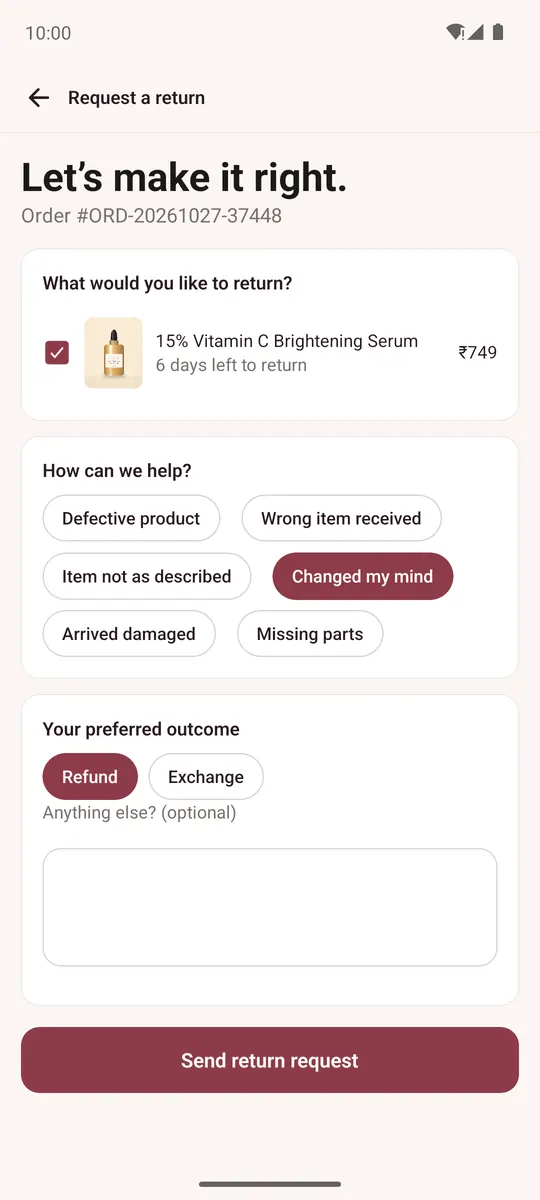
The store reviews it and emails you the next steps.